- DATE:
- AUTHOR:
- The Inpart team
September 29, 2026 Release Digest
Delivery time: Tuesday, September 29, 2026, 7:30 a.m. - 9 a.m. CEST.
Impact: During this maintenance window, Inpart Deal, the Outlook add-in, the Opportunity Portal, and the Admin Center will be briefly unavailable.

Version 4.45.0
What's new
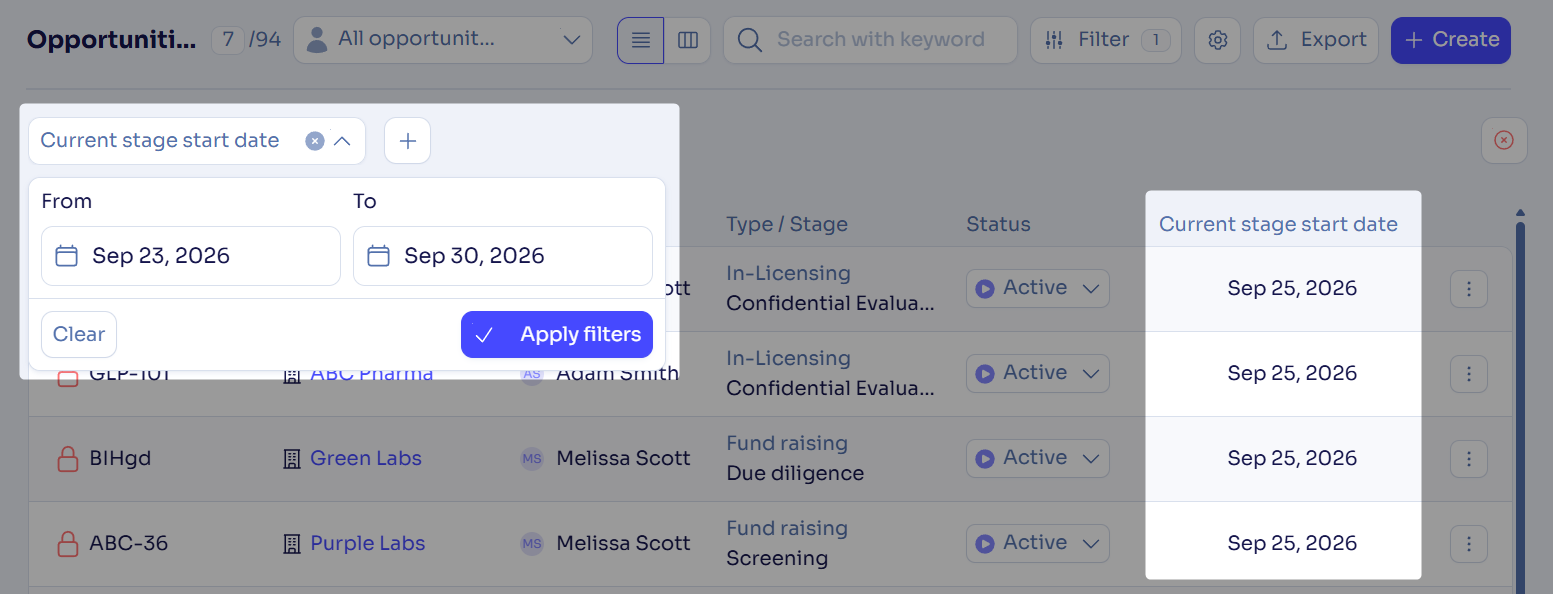
See and filter opportunities by their current stage’s start date
You can now show, sort, and filter opportunities by the date their current stage started or reopened.
Tailor your obligations and contractual clauses with custom fields
For Deal Advanced plan users
You can now add more context to your obligations with configurable fields. In the obligation hub, add them as columns, filter and search by them, and include them in your Excel exports.
Notify external contacts automatically when they’re added
You can now send a GDPR-compliant notification email automatically when a new external contact is created. The email’s subject, content, sender, and recipients can be fully customized.
What's enhanced
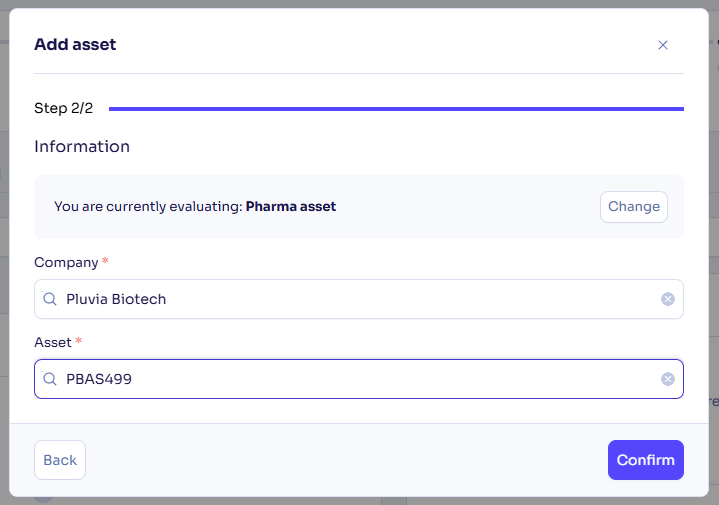
Consistent creation experience for assets and opportunities
The asset creation process is now aligned with the opportunity creation process. You can save the asset type to skip this step next time, and the company and asset selection is now consolidated into a single step.
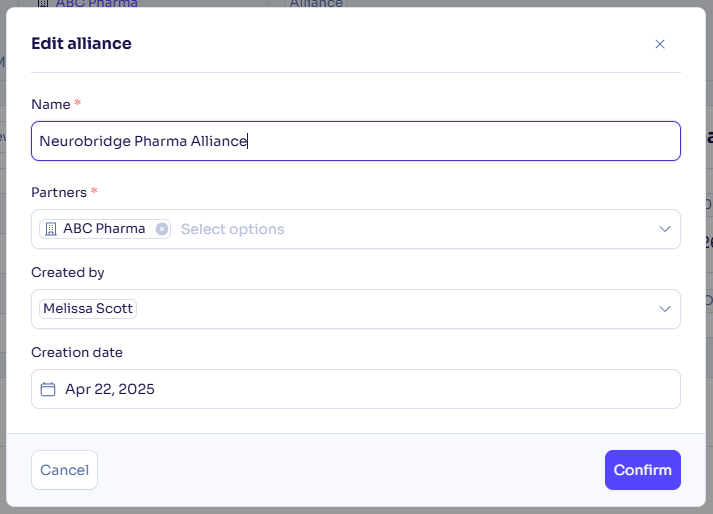
Edit the default creation date and owner for alliances
You can now edit an alliance’s functional creation date and creator independently from the system-generated ones, and use these fields as columns and filters in the alliance list.
Filter and display agreements by opportunity tags
You can now add an Opportunity tags column in the agreement hub and use it as a filter to see which tags apply to each agreement’s linked opportunity.

Customize columns in the issue and risk hubs
You can now show, hide, and reorder the columns of the issue hub and risk hub tables from Column Settings. Your choices are saved for your next sessions, and the Title column always stays first.
Export participant job titles
You can now see each participant’s job title in Excel and Word assessment exports. Job titles come from the participant’s contact details in Deal.
Confirm before notifying participants again
You can now review and confirm before notifications are sent again to participants when you edit an ongoing assessment. If you cancel, participants don’t receive a new notification.
What's fixed
Missing CDA on the opportunity overview
A CDA uploaded under an opportunity now appears in the overview’s Most recent CDA widget and opens correctly from the Related Information tab, which previously only worked from the agreement menu.
Opportunity names in alliance and agreement exports
When you export alliances or agreements with only visible columns, the Opportunities column now shows opportunity names instead of the number of opportunities.
Column settings saved for obligations and contractual clauses
The columns you choose for the obligation and contractual clause lists on an agreement or alliance overview now stay in place when you return to the page or refresh it, instead of being reset.
Feedback
Feedback is a gift! Let us know what you think about these new features and if you have any additional thoughts on what you'd like to see in functionality. Thank you and have a wonderful weekend! 
Need help? Visit our help center.