- DATE:
- AUTHOR:
- The Inpart team
October 13, 2026 Release Digest
Delivery time: Tuesday, October 13, 2026, 7:30 a.m. - 9 a.m. CEST.
Impact: During this maintenance window, Inpart Deal, the Outlook add-in, the Opportunity Portal, and the Admin Center will be briefly unavailable.

Version 4.47.0
What's new
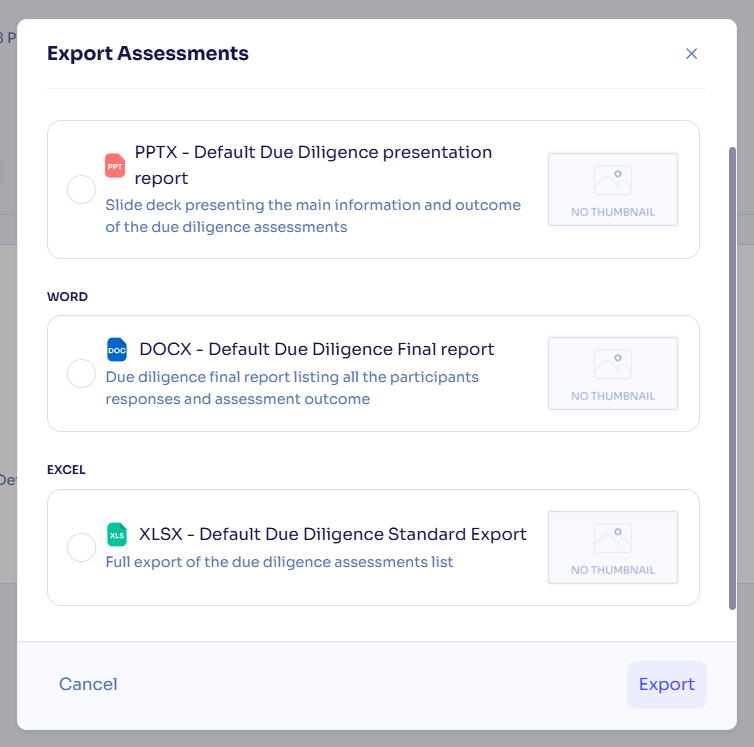
Export default reports for due diligence projects
You can now generate due diligence final reports in PPTX, DOCX, and XLSX formats from new default templates. Default health check and evaluation templates now also include question sections.
What's enhanced
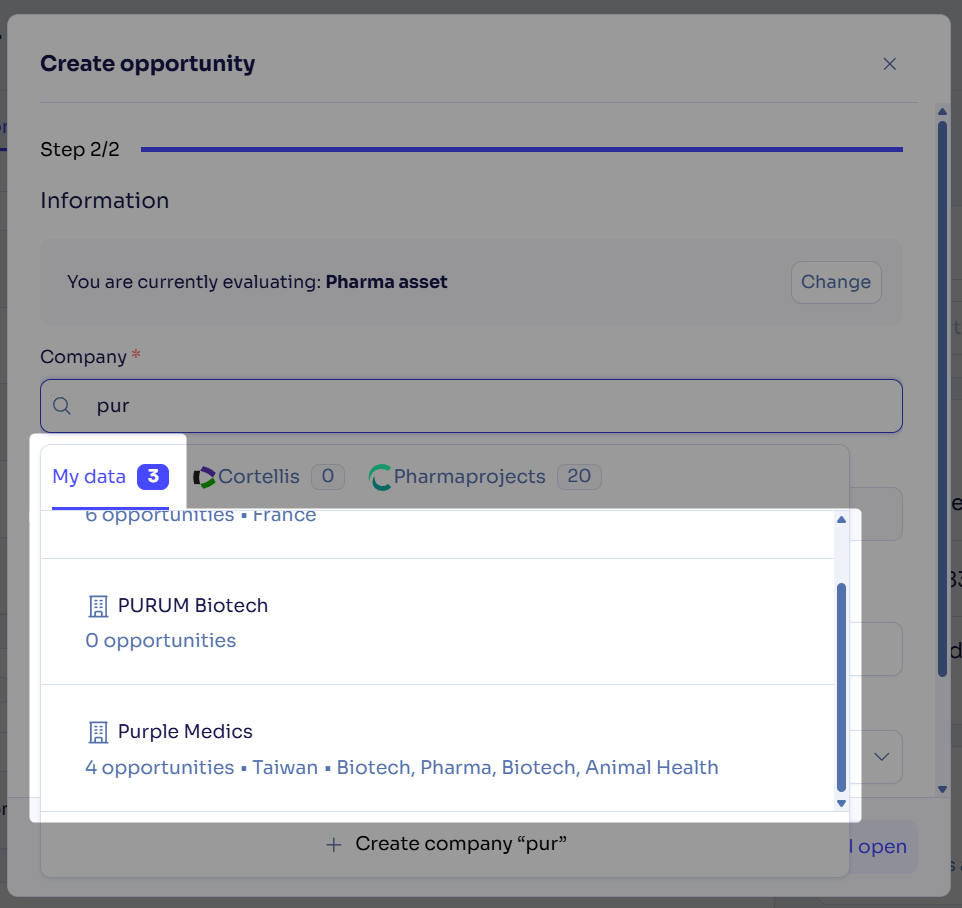
Inpart Data removed from the asset and company creation autofill
Inpart Data is being decommissioned and fully replaced by Pharmaprojects data. Consequently, when you create a company or an asset, the My data tab now only lists records that already exist in your Deal space and doesn't show Inpart Data suggestions anymore. Existing companies and assets created from Inpart Data keep their Inpart Data profile in the Database panel.
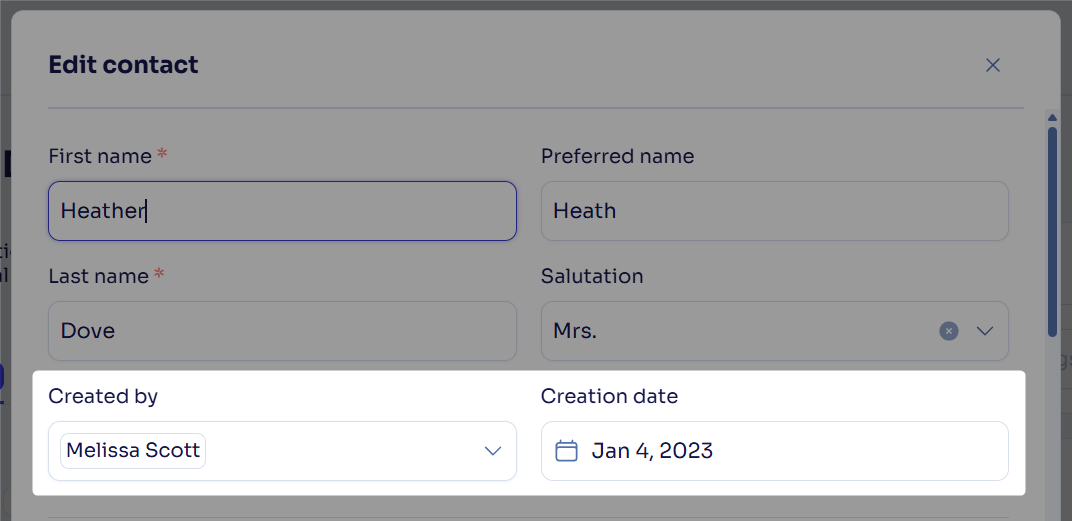
Edit the creation date and creator for contacts
You can now edit a contact's creation date and creator, and use these fields as columns and filters in the contact list.
Clearer display of restricted agreements and alliances on contact pages
On a contact page, agreements and alliances you can't access now display consistently with the rest of Deal, and you can still edit the contact's role and key contact settings where your permissions allow.
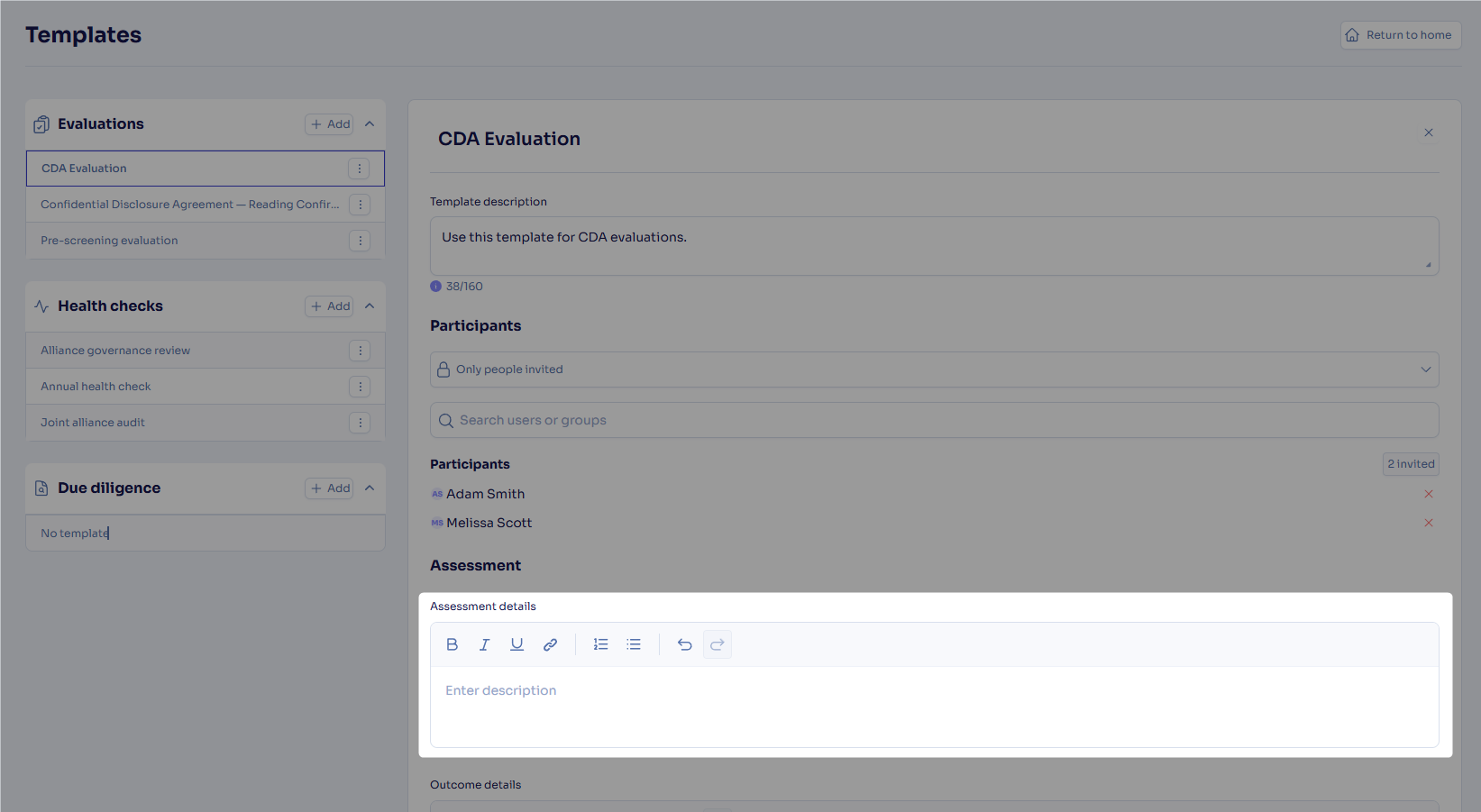
Add assessment details to your assessment question templates
You can now fill in a dedicated Assessment details rich text field in your assessment question templates, displayed in the Details section of each assessment.
Generate assessment reports at any stage of the assessment
The Export button is now always available, even before any answers are received, and exported files are named after the assessment and the export date so you can identify them easily.

Assessment access for participants without an active Deal role
Participants whose Deal user account is disabled (or who don't have a Manager or Contributor role), now answer assessments through the external survey process, like external participants.
What's fixed
Obligation status changes to In Dispute and Terminated without errors.
The external party you select when editing an obligation is now correctly saved and shown.
Each obligation status change in an agreement's activity stream now shows the status applied at that time, which previously displayed the obligation's current status for every event.
Obligation amounts now come with their currency in your Power BI reports, which was previously missing.
Merging two companies now completes correctly, which in some cases previously showed a success message while both companies remained.
Clicking an evaluation now opens the matching survey response in the assessment hub, which previously could redirect you to the wrong page.
Feedback
Feedback is a gift! Let us know what you think about these new features and if you have any additional thoughts on what you'd like to see in functionality. Thank you and have a wonderful weekend! 
Need help? Visit our help center.