- DATE:
- AUTHOR:
- The Inpart team
February 3, 2026 Release Digest
Delivery time: Tuesday, February 3, 2026, 7:30 a.m. - 9 a.m. CET.
Impact: During this maintenance window, Inpart Deal, the Outlook add-in, the Opportunity Portal, and the Admin Center will be briefly unavailable.

Version 4.22.0
What's new
Manage all your assessment needs in a single module integrated with Deal to advance evaluations from insight to decision faster
Streamline opportunity, agreement, and alliance assessments with Advanced Evaluations, a fully integrated survey management module for your evaluation management workflows. Centralize stakeholder feedback to run CDA approvals, innovation feasibility reviews, confidential data destruction confirmation, and more.
Please contact your CSM at Inpart to activate this new module.
Important: The module is now available and integrated with Deal. It requires for now to be open separately, however direct navigation from Deal will be added soon.

Track every change with Change History logs
Access detailed, unalterable history logs directly from the Administration page to review, filter, search, and export all activity on your records, from recent updates to historical changes.
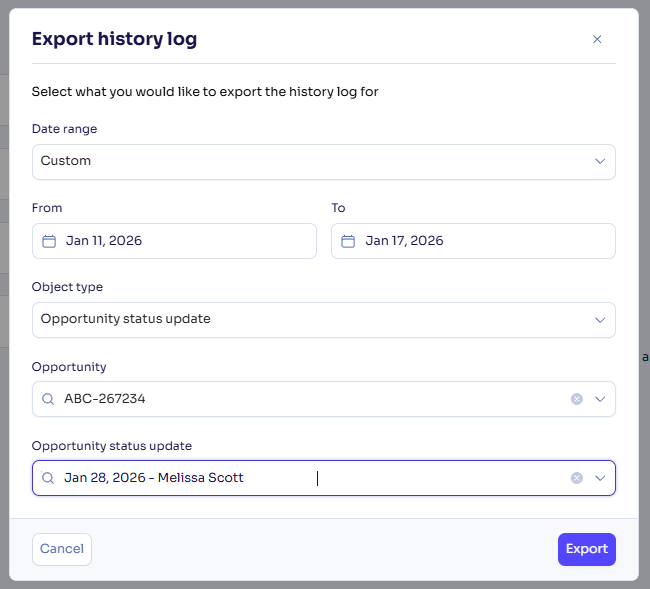
Access and manage the opportunity and alliance Status update and Next steps history in a dedicated side panel
The Status update and Next steps were previously consolidated with other information in the activity stream of opportunities and alliances. To access and manage the status update and next steps information more efficiently, we moved them to a dedicated side panel, accessible from the Status update section in the Overview tab of opportunities and alliances. From there, you can edit and delete current and past updates sorted by date with clear sections and pagination.
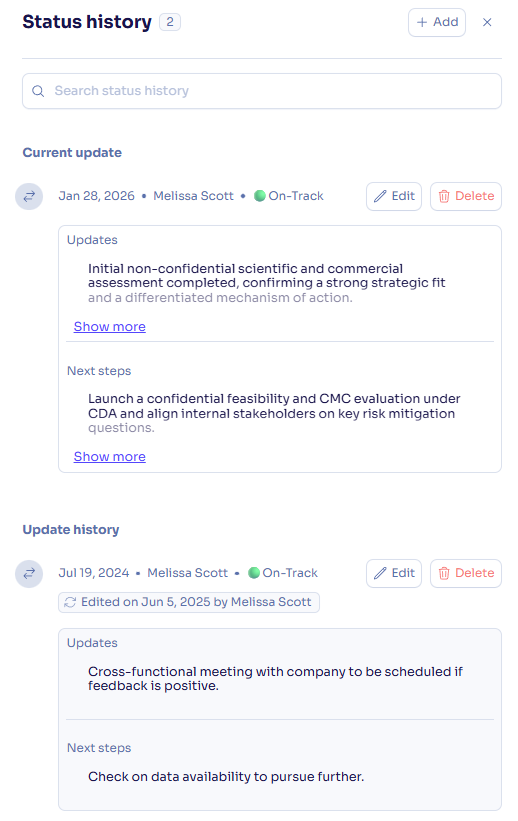
Generate one-pager reports for alliances
Generate one-pager reports directly from alliances to review in triage meetings and share with stakeholders. Use default PowerPoint one-pager templates with the Essential package, or unlock custom templates in PowerPoint, Excel, and Word formats with the Advanced package.
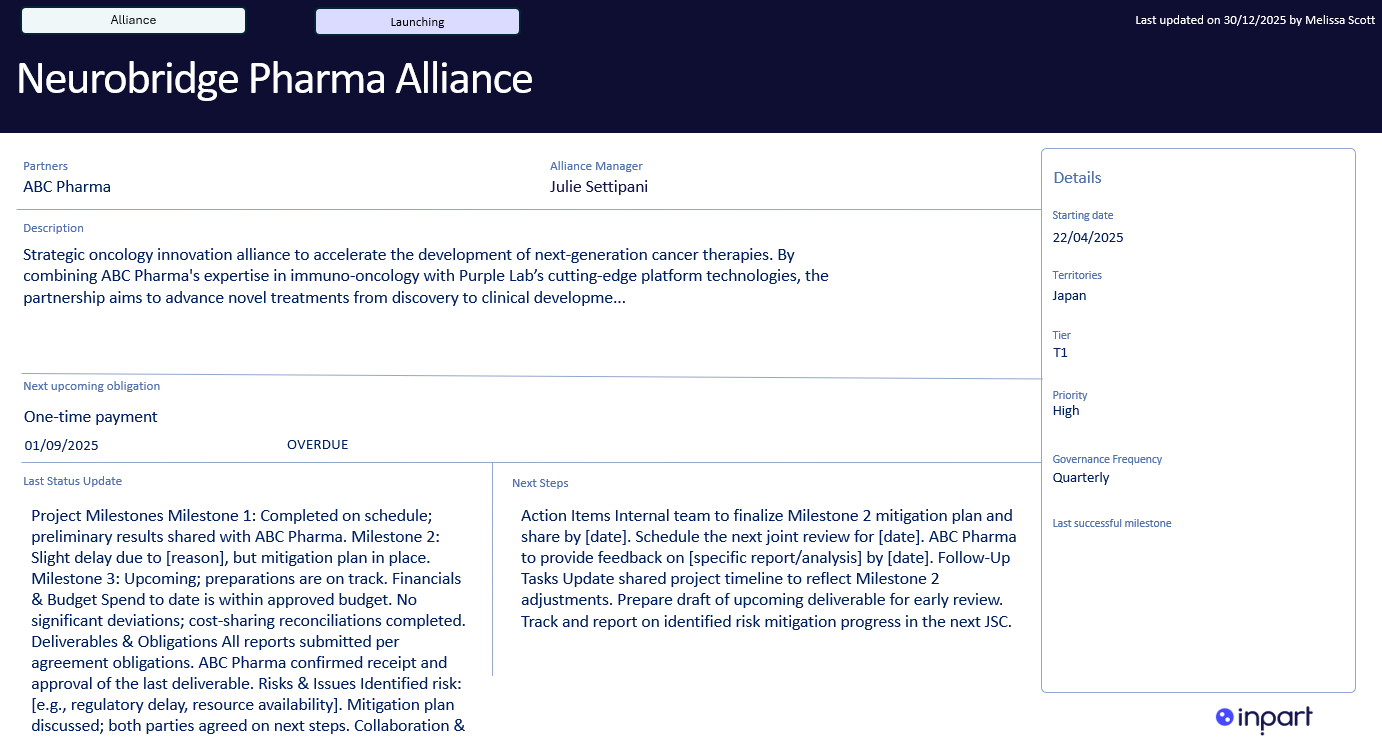
Add more details to your opportunities with new configurable fields
For Deal Advanced plan users
We're making available the following new fields for opportunities in the Opportunity management section: Special situation, Seller advisor, Conflicts status,
Process type, Administration status, Financial exposure, Value proposition, Business proposal, and Applicable Species.
Learn more about configurable fields for opportunities
What's enhanced
Introducing powerful improvements to streamline alliance work:
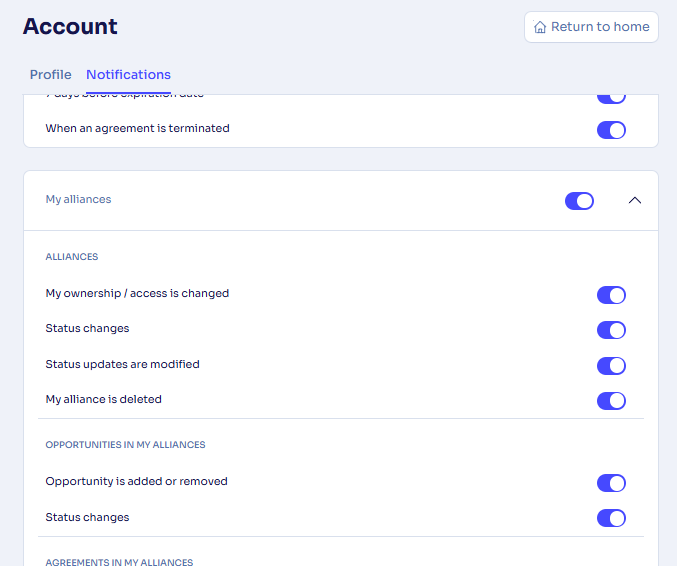
Receive new email notifications for alliances and related agreements, obligations, milestones, and opportunities, and manage them from your Account page.
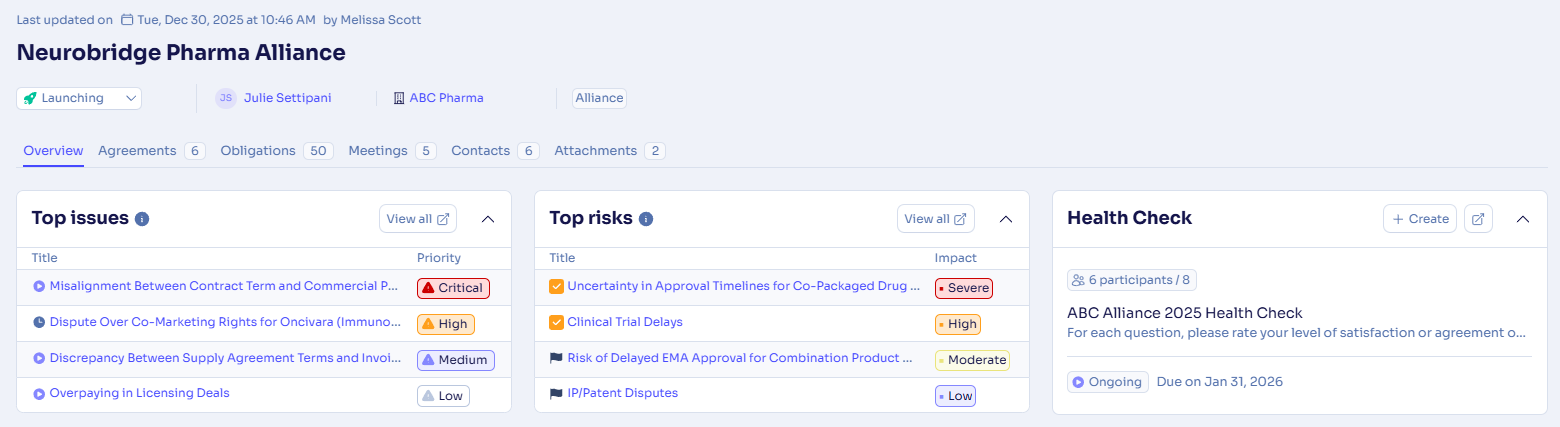
Navigate directly from alliances to the relevant filtered views in the new Health checks and Risks & Issues modules.
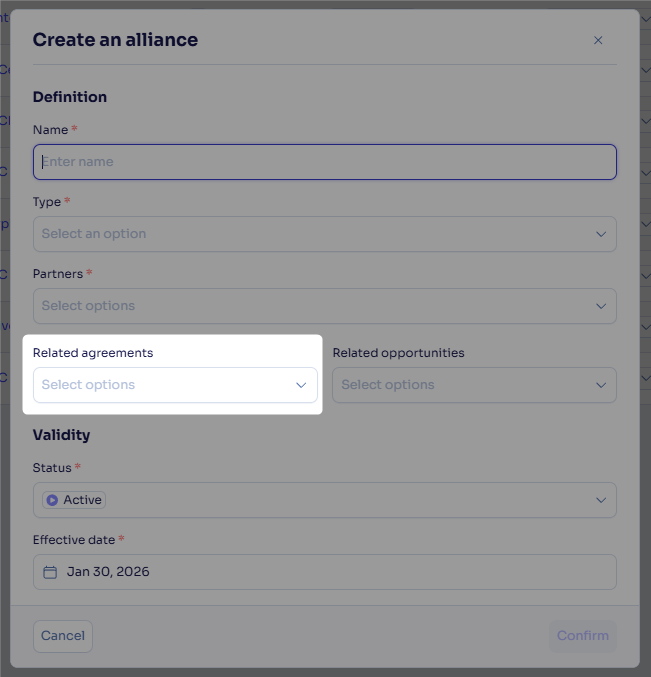
Link agreements to alliances directly at creation.
Rely on an improved obligation keyword search that scans all fields and highlights results.
Format text with subscript and superscript numbers
Apply subscript and superscript formatting (e.g., “10ⁿ” or “H₂O”) in the rich text editor fields to clearly express scientific, legal, and financial notation.
Export the opportunity IDs with your agreement data
Export agreements to Excel and view a new Opportunity ID column alongside opportunity names to identify related opportunities directly from your export.
Export one-pagers using the main asset
The opportunity one-pager export now reflects the opportunity’s main asset instead of defaulting to the first asset found.
What's fixed
Quick search for obligations
The obligation hub quick search was only searching the obligation name field. We fixed it so it works the same way as the keyword search for agreements and opportunities.
Feedback
Feedback is a gift! Let us know what you think about these new features and if you have any additional thoughts on what you'd like to see in functionality. Thank you and have a wonderful weekend! 
Need help? Visit our help center.