- DATE:
- AUTHOR:
- The Inpart team
November 10, 2026 Release Digest
Delivery time: Tuesday, November 10, 2026, 7:30 a.m. - 9 a.m. CET.
Impact: During this maintenance window, Inpart Deal, the Outlook add-in, the Opportunity Portal, and the Admin Center will be briefly unavailable.

Version 4.50.0
What's new
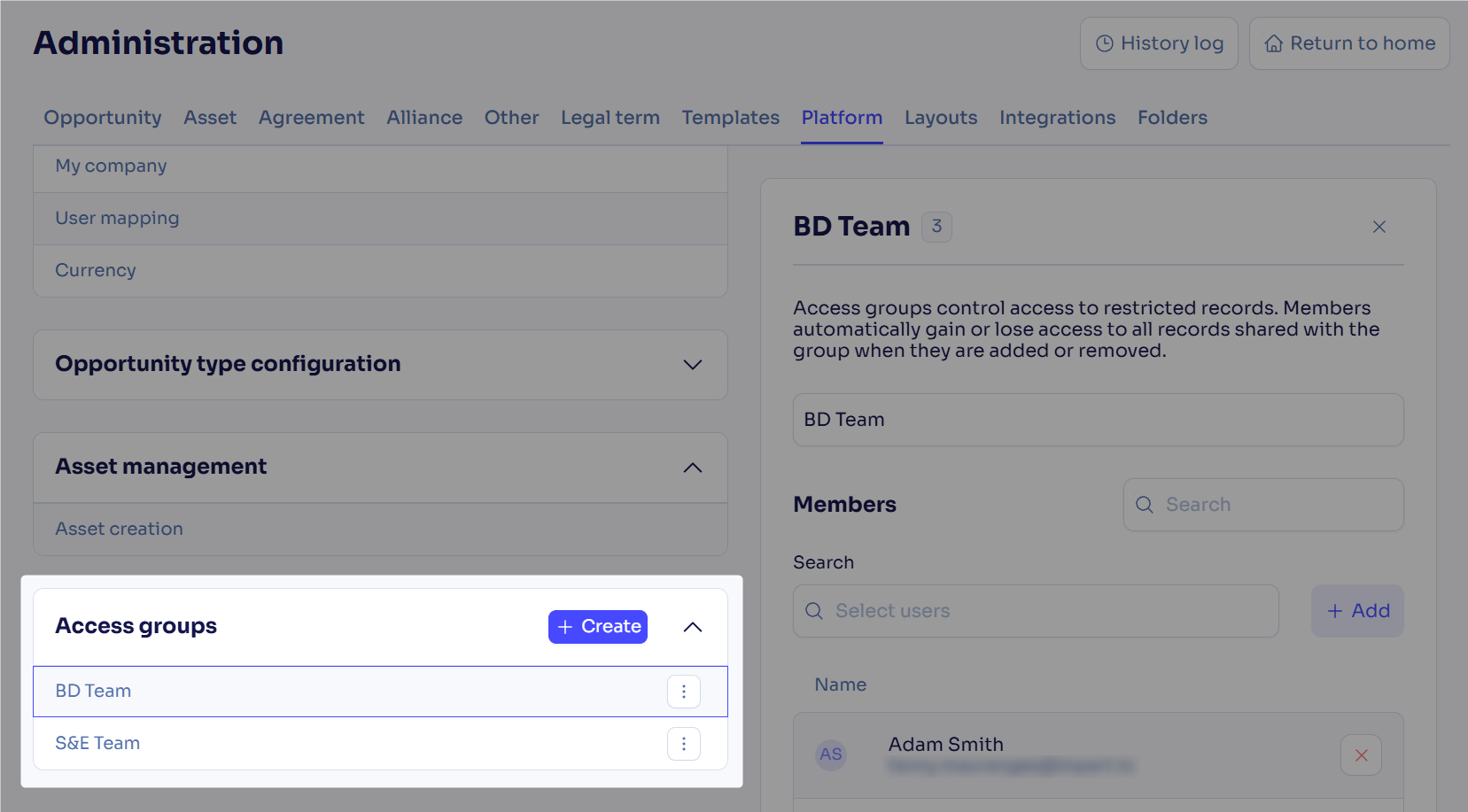
Delegate access group management with the Groups Manager role
You can now give users the Groups Manager role so they can create, edit, and delete access groups and manage their members, regardless of their other roles. These users see the Access groups section in Administration.
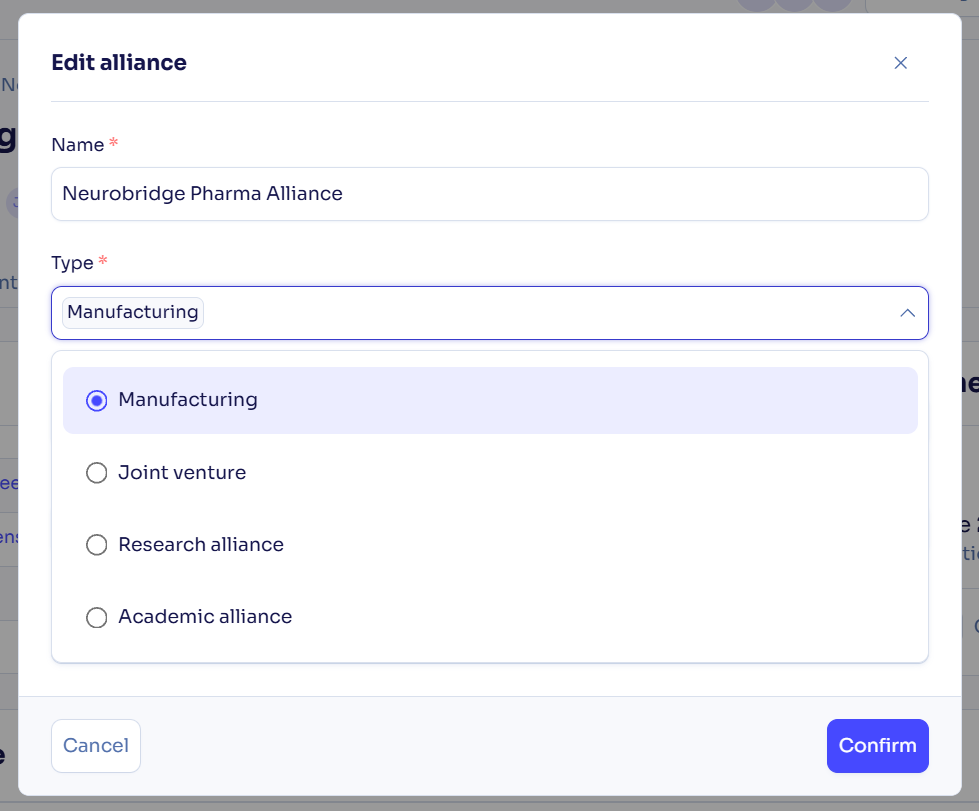
Change the alliance type after creation
You can now edit an alliance’s type after it has been created, just like for agreements. The change is recorded in the Activity Stream.
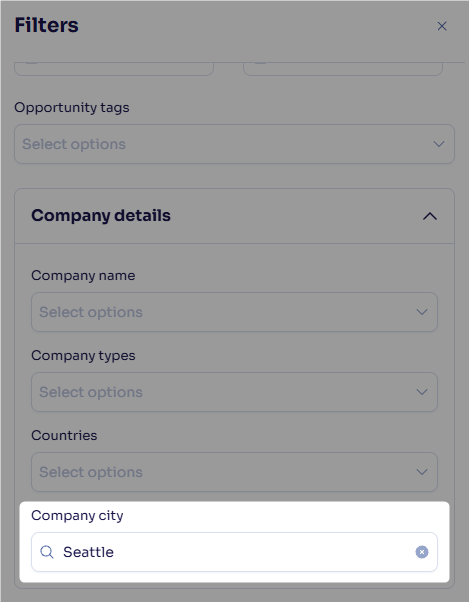
Filter and display agreements by company city
You can now filter the agreement hub by company city and add it as a column to quickly find agreements with companies based in a specific location. The column is also included in Excel exports.
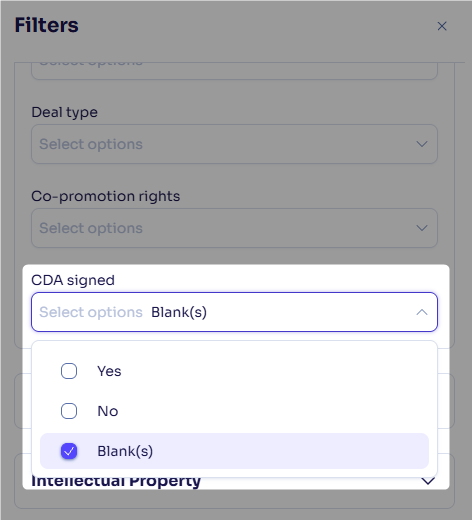
Filter checkbox fields by empty values
You can now filter checkbox fields by Blank(s) in addition to Yes and No, to find records where the field hasn’t been filled in. This option is available in the hubs of all objects.
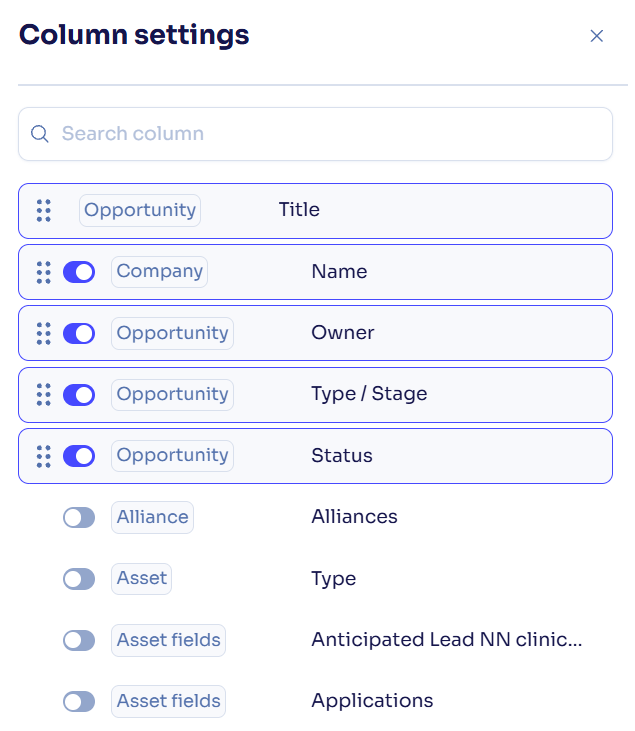
Find hidden columns more easily with alphabetical sorting in column settings
Hidden columns in the hubs' column settings are now sorted alphabetically by field type (alliance, asset, opportunity...) and field name in all hubs, so you can find the one you need faster.
Inpart Data companies hidden from the company Database panel
Inpart Data is being decommissioned and gradually replaced by Pharmaprojects data. Consequently, we removed the Inpart Data company profiles from the Database panel on the company pages.
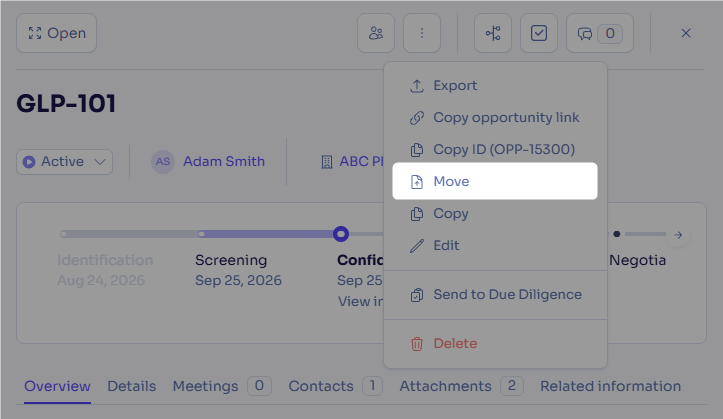
Opportunities can be moved to another initiative by a user who isn't the opportunity owner (for Inpart admin users only)
An opportunity can now be moved to another initiative by an Inpart admin user who isn't the opportunity owner. If the opportunity owner doesn’t have access to the destination initiative, the opportunity is assigned to that initiative’s default owner. Contact your CSM at Inpart to perform this action.
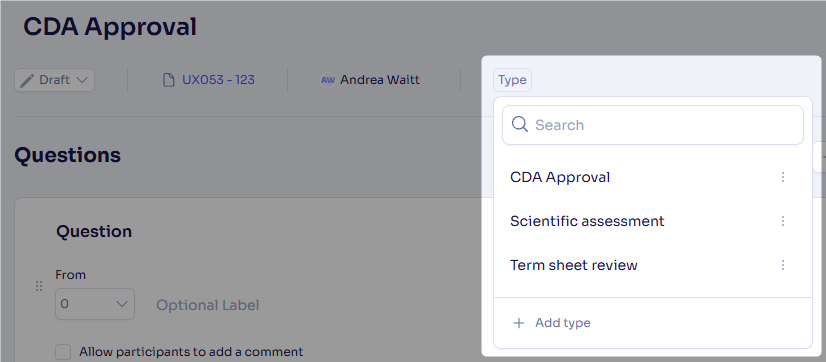
Define custom types for evaluations
You can now create, edit, and delete your own evaluation types, and see the assigned type as a chip next to the owners in the evaluation page. Custom types can be added to evaluation templates, so they apply to all evaluations using templates.
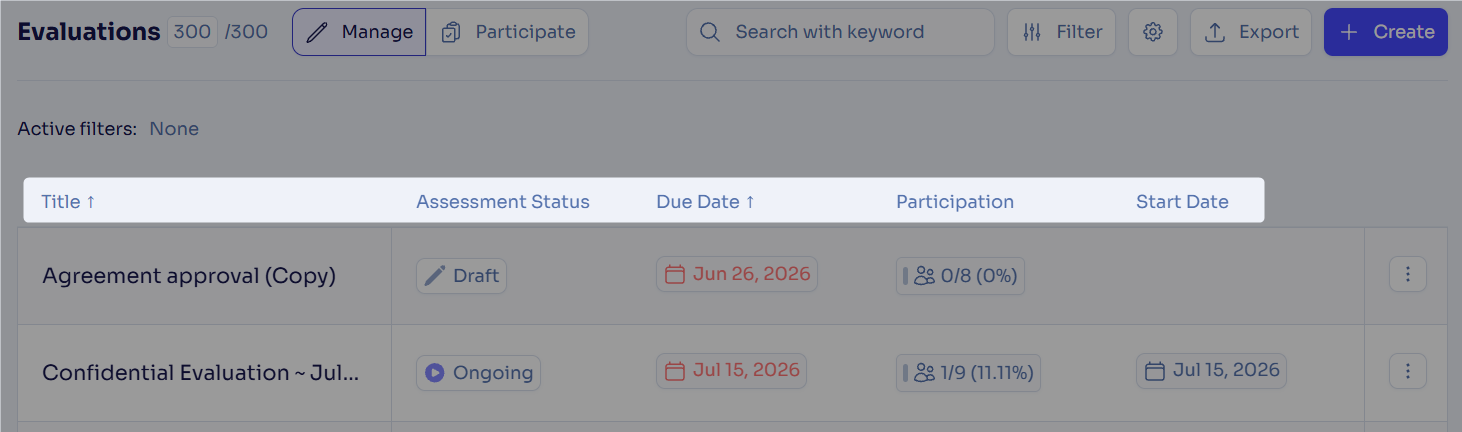
Sort the assessment hubs by any column
You can now sort the assessment hubs by any column using its sorting arrow to quickly find and organize your assessments. Statuses sort by progress, from Draft to Ongoing to Closed.
Find Deal record details in the assessment creation window
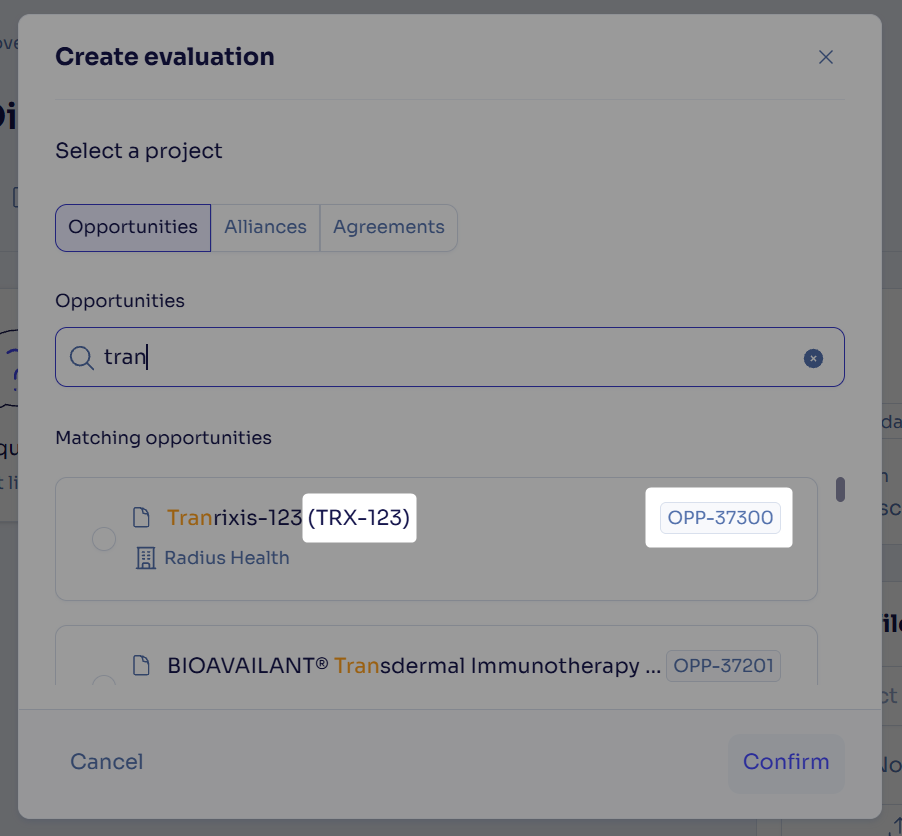
You can now see the Object ID of the related opportunity, alliance, or agreement when creating an assessment, along with the project code name for opportunities, so you can confirm you’re assessing the right record.
Company names in anonymous assessment response exports
Exports of anonymous assessments now show the company linked to each response in the Answers tab, while respondent names stay anonymous.
Evaluation and health check responses shown as they come in by default
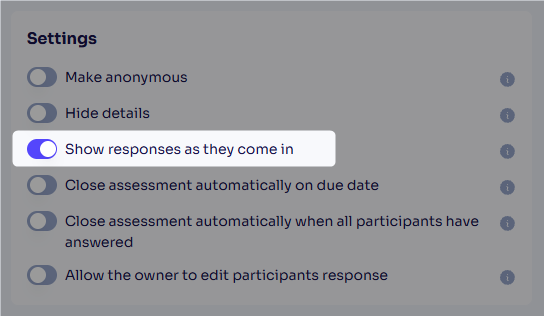
The Show responses as they come in option in the evaluation and health check settings is now enabled by default for all new assessments and templates.
What's fixed
Get more reliable access to your assessments
You now keep access to the assessments you created or were invited to after your email address is updated, and the Go to Assessment link in invitation emails also works when your email address contains an extra space before or after it.
Agreement status and Owner filters saved in custom views
Agreement status, Owner, and Category and type filters are now saved with your custom views in the Agreement and Alliance hubs, which previously applied to the list but were lost when you saved the view.
Feedback
Feedback is a gift! Let us know what you think about these new features and if you have any additional thoughts on what you'd like to see in functionality. Thank you and have a wonderful weekend!
Need help? Visit our help center.